Phishing via Microsoft: 120 Companies Targeted
Check Point Research has uncovered a new phishing campaign in which attackers are exploiting Microsoft’s own infrastructure to deceive users at approximately 120 organizations worldwide. Instead of using fake login pages, the cybercriminals rely on legitimate Microsoft services—thereby rendering conventional defense measures largely ineffective.





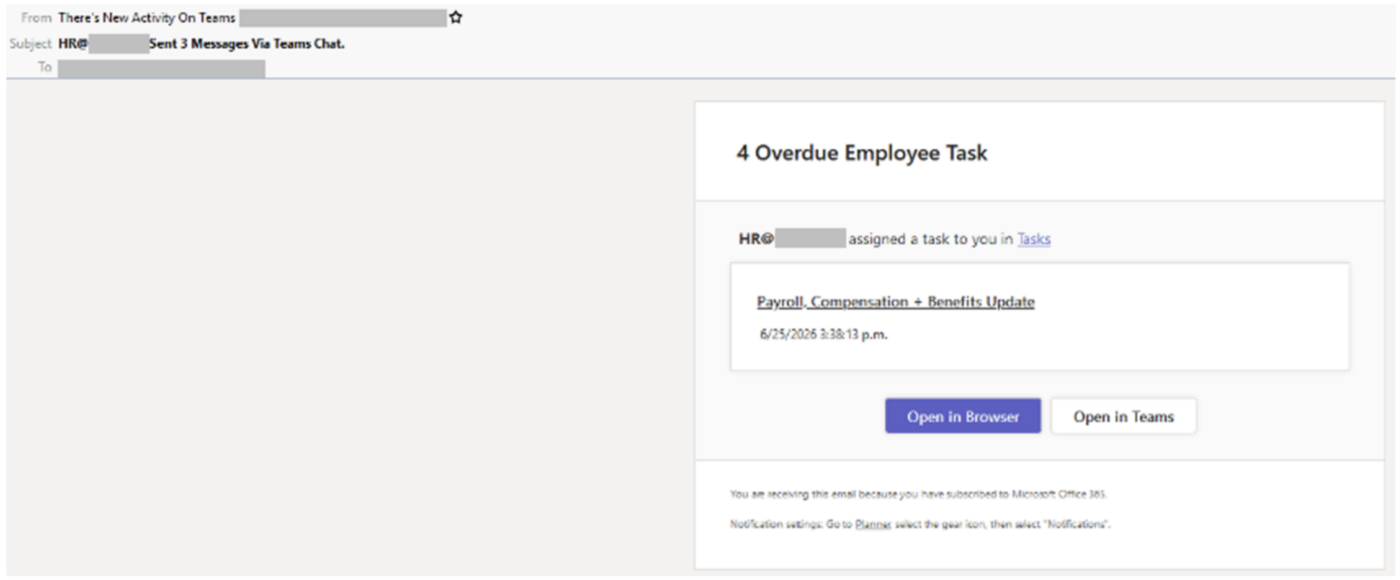
Cybercriminals are increasingly moving away from fake Microsoft login pages and instead exploiting Microsoft’s own legitimate authentication infrastructure. Check Point Research (CPR), the security research division of Check Point Software Technologies, has uncovered and analyzed such a campaign. From June 25 through the second week of July 2026, CPR identified more than 200 phishing emails targeting users at approximately 120 organizations, covering a wide range of industries and countries worldwide.
The bait: a deceptively real Teams notification
The attacks masqueraded as task notifications from the HR department sent via Microsoft Teams. The sender’s name was «There’s new activity in the team,» and the subject line referred to a supposed HR chat. The message text closely mimics the design of Teams and refers to an «update on payroll, compensation, and benefits» as well as a counter showing «4 overdue employee tasks» —a deliberate tactic to suggest urgency and encourage recipients to click without thinking.
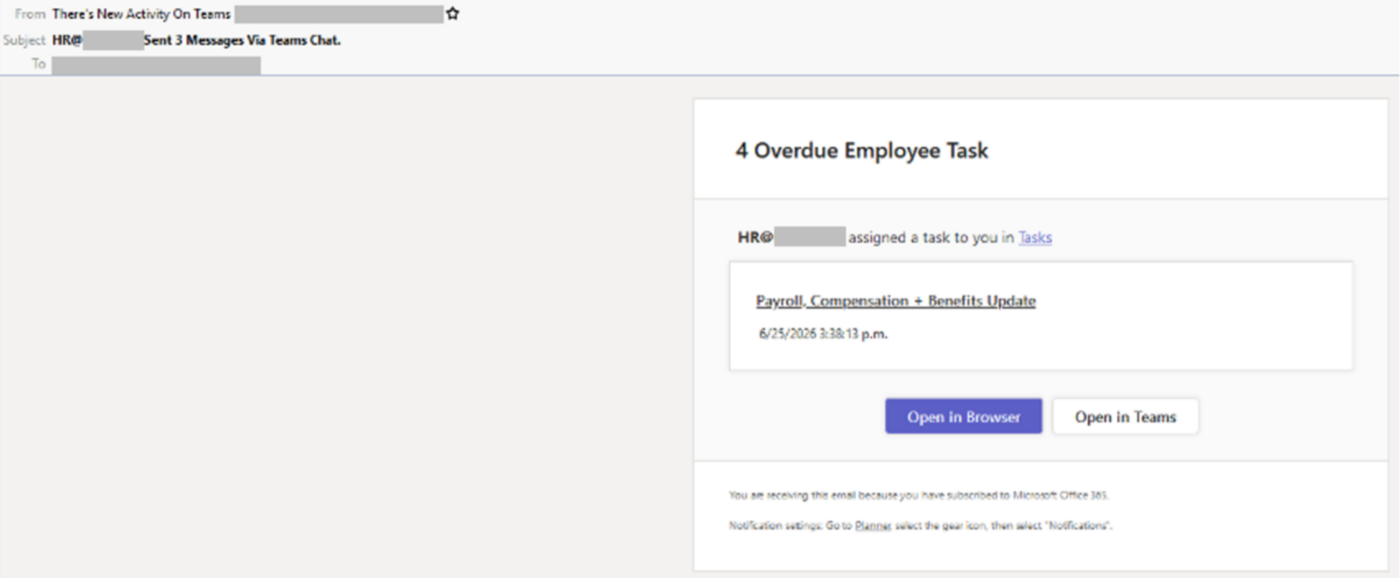
Every link in the message—including both call-to-action buttons—leads to the same redirect. The visible sender address belongs to the target organization, which means the email is sent to the same person from whom it appears to originate. Recipients were then redirected to a legitimate Microsoft sign-in page and prompted to grant permissions to an application controlled by the attacker. This allowed the campaign to exploit Microsoft’s trusted authentication process while concealing its malicious intent.
Full access to Microsoft 365
Depending on the permissions the user grants on the consent screen, the app controlled by the attacker can operate throughout the victim’s entire Microsoft 365 environment. This includes access to emails—a common stepping stone for subsequent business email compromise scams—as well as files, Teams chats, SharePoint content, OneDrive, and calendars containing meeting and attendee information.
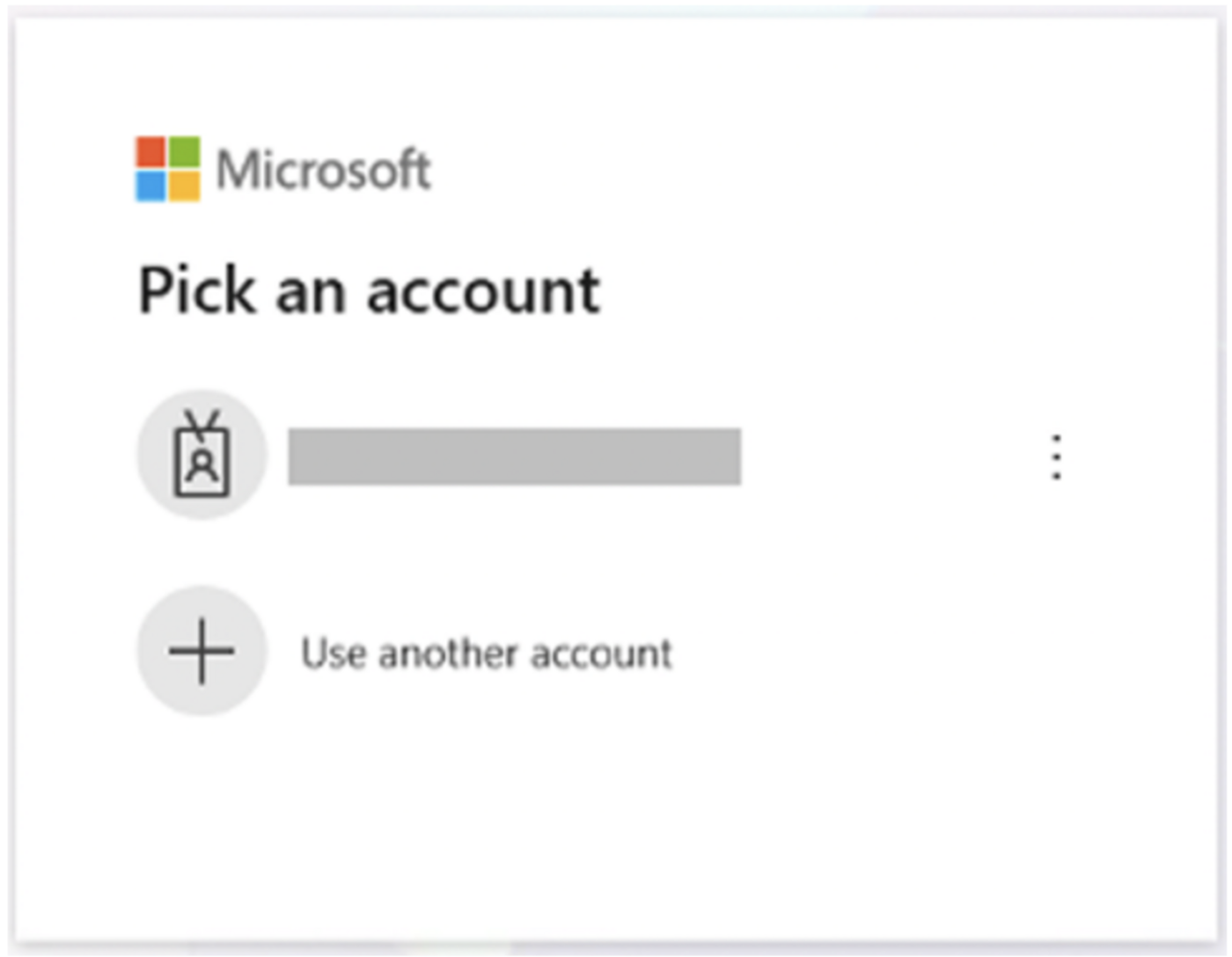
CPR notes that attackers no longer impersonate Microsoft but instead use the company’s services directly. Every screen the victim sees is authentic. The only thing that is fake in the entire attack chain is the intent behind the app requesting access. This tactic is listed as a separate tactic in the MITRE ATT&CK Framework and has evolved from a targeted, manually crafted attack in 2026 into a service that virtually anyone can rent.
Recommendations for Businesses and Users
CPR recommends always hovering the mouse pointer over links before clicking them to verify that the destination matches the service mentioned in the message. You should always be suspicious if different buttons lead to the same URL. In addition, you should verify that the sender’s name, address, and domain match. You should not trust an email simply because it appears to come from an internal address, as display names and sender addresses can be forged or manipulated.
If in doubt, CPR recommends opening Teams or other applications directly through the official app, rather than using links in the email. Suspicious messages should be reported immediately so that security teams can investigate the affected application, revoke malicious permissions, and identify affected accounts.
Source: www.checkpoint.com